
Image AI - Create Images with the Latest GPT Image Model
Use GPT Image 2 online to generate and edit images from text prompts or reference photos. Create realistic visuals, readable text, consistent characters, and high-resolution outputs in one AI image generator.
What Is ChatGPT Images 2.0 (GPT Image 2)?
GPT Image 2, also known as ChatGPT Images 2.0, is a current-generation image model for creating and editing images from natural language prompts and reference photos.
Many AI image tools struggle with garbled text, broken layouts, and inconsistent characters. GPT Image 2 is built for clearer composition, more readable text, and stronger visual consistency, so you can move from a prompt to a usable image faster.
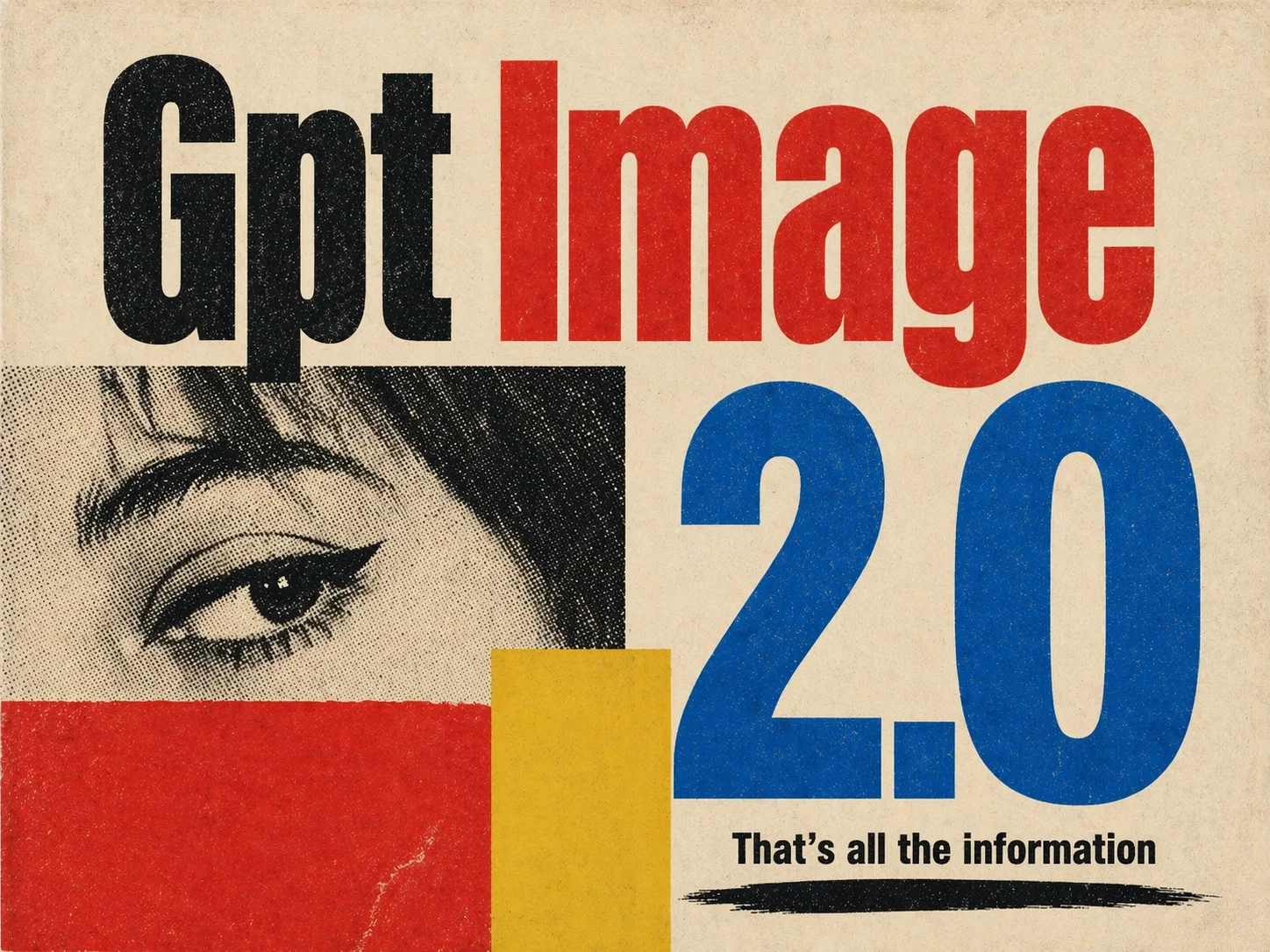
GPT Image 2 Core Capabilities
Readable text rendering, structured composition, character consistency, and realistic image quality in one online AI image generator.
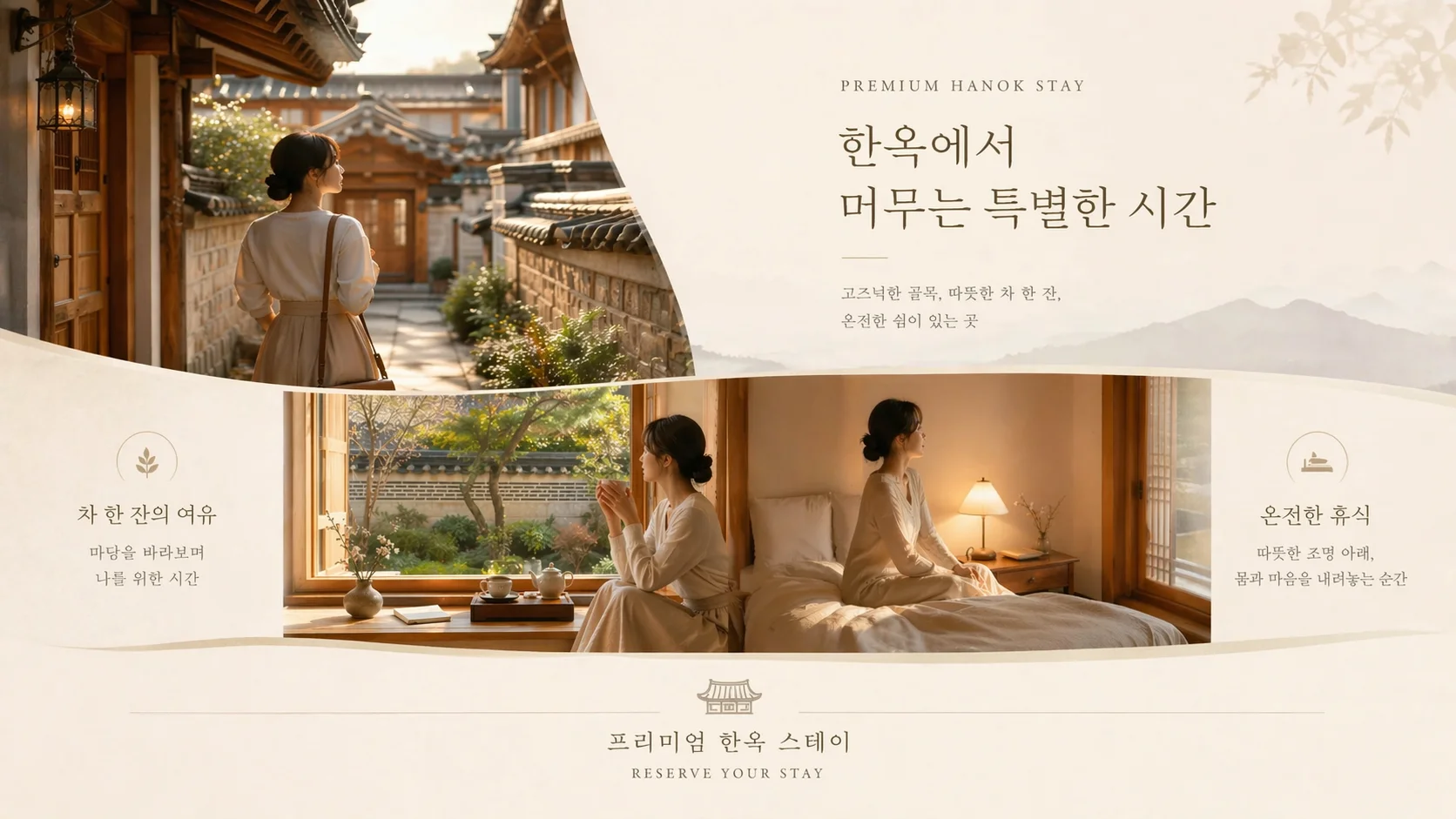
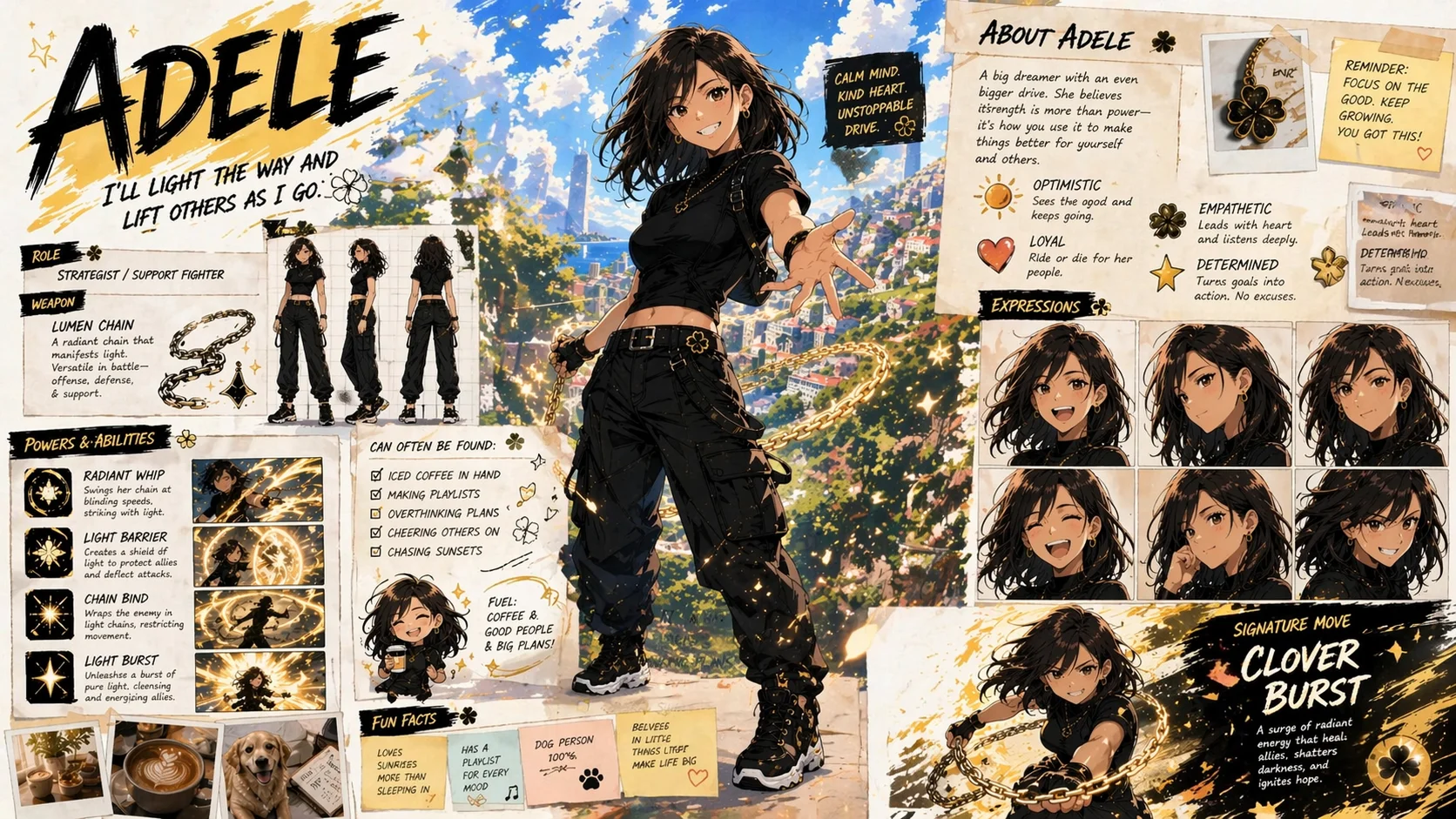
Flawless Multilingual Text
Render English, Chinese, Japanese, Korean, and more naturally embedded in a scene. Text can stay clearer in posters, labels, signs, packaging, and social graphics.
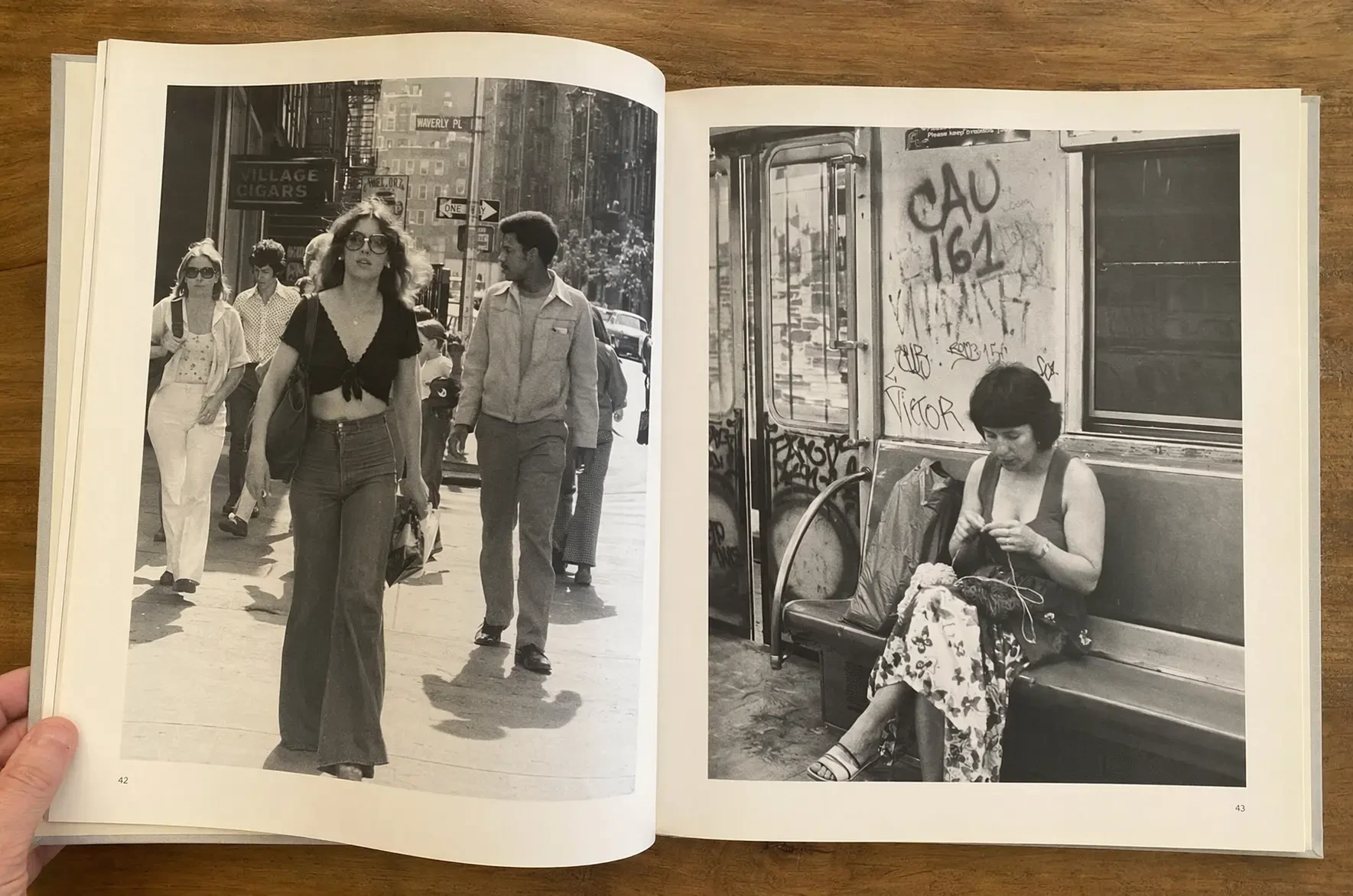
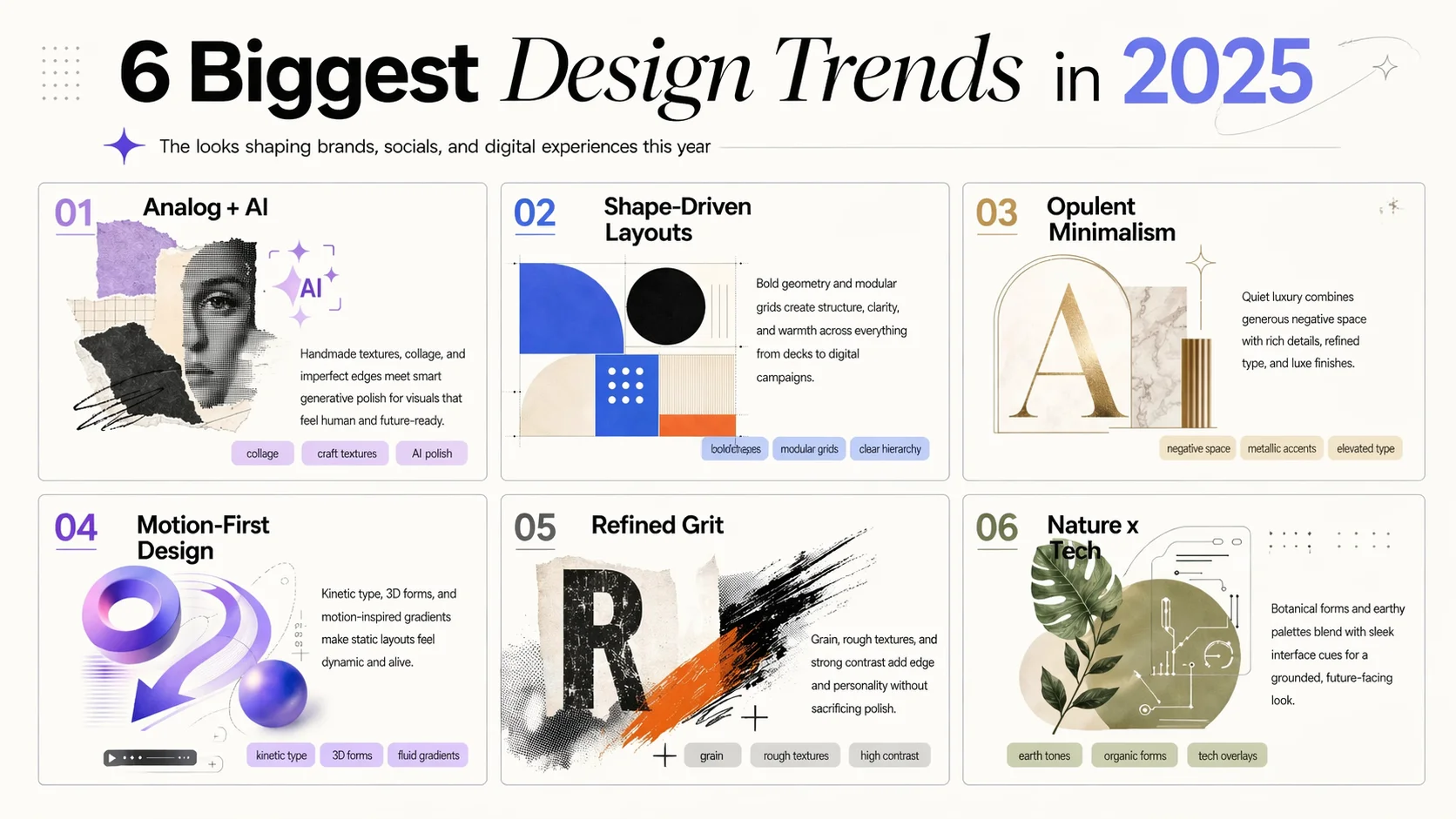
Reasoning Before Rendering
Describe complex scenes, diagrams, infographics, product layouts, or multi-element compositions. GPT Image 2 helps organize the image so the result follows your prompt more closely.
Pixel-Perfect Consistency
Keep faces, outfits, proportions, and product details more consistent across variations. Create character sets, campaign assets, and product visuals with a more stable look.
Commercial-Grade Photorealism
Generate realistic lighting, textures, materials, portraits, products, and scenes for creative work, marketing tests, e-commerce assets, and visual exploration.
How to Use GPT Image 2 Online
Start with a prompt or reference image, then generate, refine, and download.
Upload
Describe the image you want, or upload a reference photo for editing. Add details about subject, style, camera angle, text, colors, layout, and output size.
Generate
Choose GPT Image 2, select your aspect ratio and resolution, then click Generate to create a new image or edit your uploaded reference.
Download
Download the finished image, use it as a reference, or refine the prompt and generate again until the result matches your idea.
What You Can Create with GPT Image 2
Use GPT Image 2 for fast visual creation when you need clearer text, realistic results, and consistent image variations.
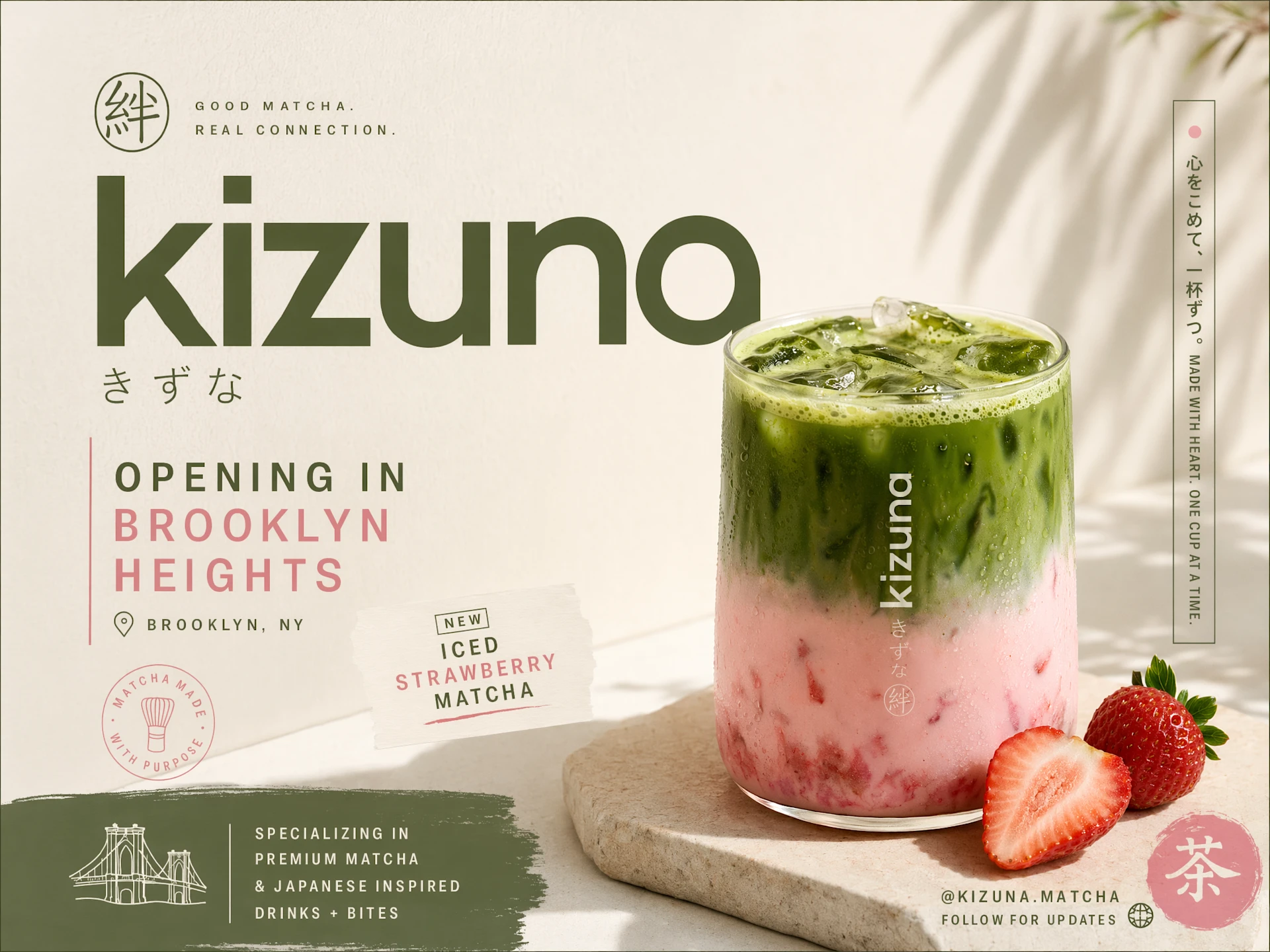
E-Commerce Product Photography
Create product shots, lifestyle scenes, packaging concepts, and catalog visuals without a full studio setup.
Marketing Infographics and Social Assets
Generate campaign visuals, carousel slides, launch graphics, banners, and social posts with clearer text.
Brand and Creative Direction
Explore visual systems, moodboards, ad concepts, typography layouts, and consistent campaign styles.
Simple, Transparent Pricing
Choose the perfect plan for your needs. Save 33% with yearly billing — pay for 8 months, get 12 months of credits.
Starter
- Per 100 credits$3.33
- vs Monthly-33%
- Best forCasual users
- Pay 8 months, get 12
- Cancel anytime
- Monthly refresh, unused expire
Standard
- Per 100 credits$2.22
- vs Monthly-33%
- Best forRegular creators
- Pay 8 months, get 12
- Cancel anytime
- Monthly refresh, unused expire
Premium
- Per 100 credits$1.67
- vs Monthly-33%
- Best forPower users
- Pay 8 months, get 12
- Cancel anytime
- Monthly refresh, unused expire
Studio
- Per 100 credits$1.48
- vs Monthly-33%
- Best forStudios / agencies
- Pay 8 months, get 12
- Cancel anytime
- Monthly refresh, unused expire
GPT Image 2 FAQs
Answers about GPT Image 2, ChatGPT Images 2.0, getting started, and image quality.
Create Images Online with GPT Image 2
Use Image AI to turn prompts and reference photos into polished visuals for products, campaigns, content, and creative projects.